
iPhone SE Repair Service Center in Doha

Professional iPhone SE Diagnosis and Repair Solutions

The iPhone SE is known for its compact size, reliable performance, and practical design. With features such as a 4-inch Retina display, Touch ID, and a 12MP rear camera, it still requires careful technical attention when faults appear. Effective repair precise diagnosis and a service approach that matches the device’s hardware architecture.
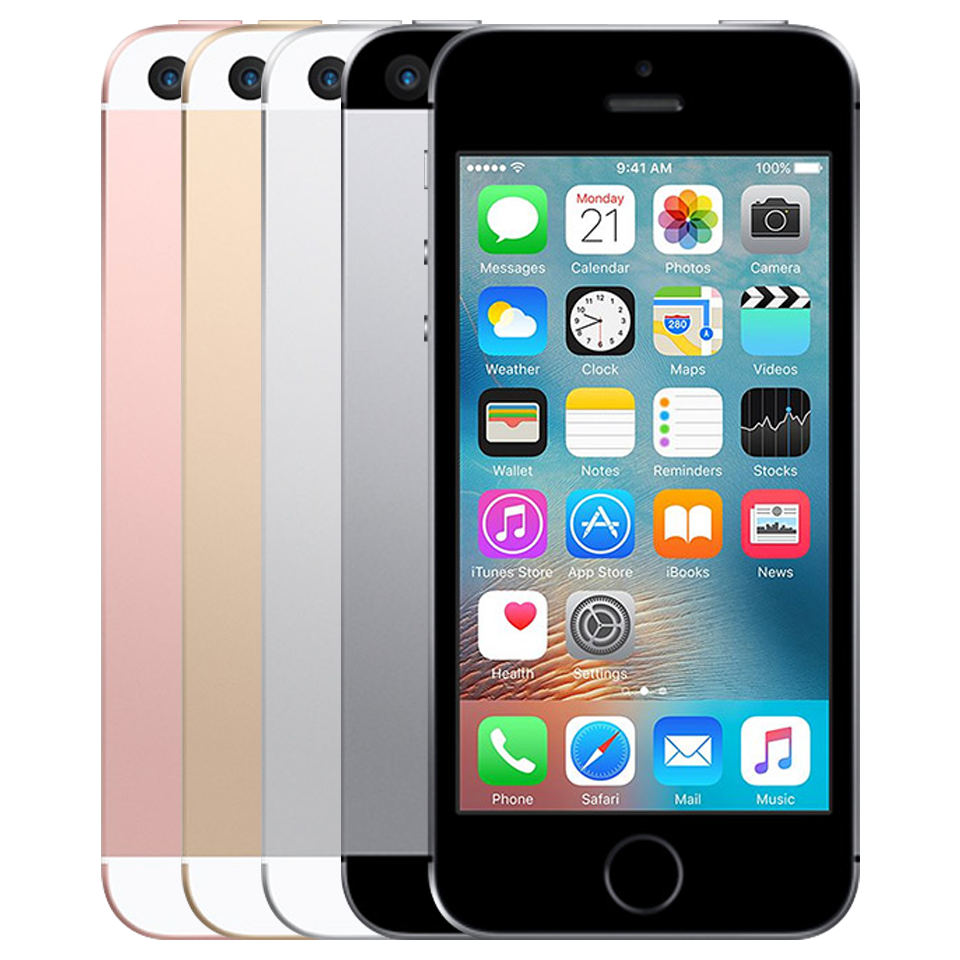
Our process starts with a detailed inspection to identify the exact problem and provide the right repair solution without unnecessary part replacement.

Effective repair precise diagnosis and a service approach that matches the device’s hardware architecture.

Apple IPhone SE - Apple Service and Repairs Center

Structured Diagnostic Approach

Every service begins with a full device assessment, including:
  • Display and touch testing
  • Battery health evaluation
  • Wired and wireless charging checks
  • Camera inspection
  • Microphone and speaker testing
  • Logic board and power diagnostics
A clear diagnosis helps ensure a more reliable repair.

Camera Repair: Optical Accuracy & Image Sensor Recovery

The iPhone SE features a 12MP rear camera with 4K video recording. Camera issues can come from lens damage, flex faults, or internal hardware failure.
Issues We Resolve
  • Blurry or shaky photos and video
  • Autofocus problems
  • Camera app not opening properly
  • Dust or marks affecting image quality
  • Front camera dim or unclear
  • Flash not working correctly
Our Repair Process
  • Inspect the camera module and related connections
  • Check flex cable and signal function
  • Replace damaged parts where needed
  • Test image clarity, focus, and stabilization after repair

Display & Touchscreen Repair: Retina Panel & Touch Layer Restoration

The iPhone SE features a compact Retina display that delivers sharp visuals and responsive touch performance. Screen damage can affect both visibility and touch performance.
Issues We Resolve
  • Cracked front glass
  • Lines, spots, or black areas on screen
  • Flickering or dim backlight
  • Touch not responding properly
  • True Tone issues after screen damage
Our Repair Process
  • Replace the damaged display assembly
  • Restore display-related functions where applicable
  • Check brightness, clarity, and touch accuracy
  • Test the screen fully before handover

Home Button & Touch ID Repair: Fingerprint Sensor Restoration

The iPhone SE uses a physical Home button with Touch ID. Since this system is linked closely to the device hardware, repair needs careful handling.
Issues We Resolve
  • Home button not responding
  • Touch ID not reading fingerprints
  • Fingerprint function lost after impact or repair
  • Button click not feeling normal
  • Touch ID disabled in settings
Our Repair Process
  • Inspect the button and flex assembly
  • Check hardware connection to the board
  • Replace failed parts where possible
  • Test button response after repair

Battery Replacement & Power Management Repair

Battery wear or charging-related faults can reduce performance and daily reliability.
Issues We Resolve
  • Battery draining too fast
  • Phone switching off unexpectedly
  • Heating while charging
  • Wireless charging not working properly
  • Battery health dropping quickly
Our Repair Process
  • Check battery condition and charging behavior
  • Replace the battery if required
  • Inspect charging-related circuits and coil function
  • Test power stability after repair

Microphone & Audio Input Repair

The iPhone SE uses multiple microphones for calls, recordings, and voice commands. Dust, moisture, or damaged internal lines can affect voice input.
Issues We Resolve
  • Low or muffled call audio
  • Voice recording cutting out
  • Microphone not working in videos
  • Siri not picking up commands
  • Poor voice clarity during calls
Our Repair Process
  • Test each microphone function
  • Inspect flex cables and connection points
  • Clean blocked ports if needed
  • Replace damaged components and retest

Speaker & Audio Output Repair

The device supports stereo audio output. Sound problems may develop from debris, liquid exposure, or internal speaker damage.
Issues We Resolve
  • No sound from speaker or earpiece
  • Low or distorted audio
  • Crackling at higher volume
  • Earpiece not working during calls
  • Intermittent sound output
Our Repair Process
  • Clean the speaker area
  • Inspect speaker lines and connectors
  • Replace faulty speaker parts if needed
  • Test output quality after repair

Network & Signal Repair

Signal issues may come from antenna damage, SIM tray faults, or board-level network problems.
Issues We Address
  • Weak signal reception
  • Dropped calls
  • No service or SIM not detected
  • Mobile data not working properly
  • Signal issues after liquid or physical damage
Our Repair Procedure
  • Inspect antenna and signal paths
  • Check SIM tray and reader
  • Test network-related board sections
  • Verify calls, data, and signal stability

Charging Port & Connectivity Repair

Faults can affect cable charging, accessory detection, or data sync.
Issues We Address
  • Not charging by cable or wireless charger
  • Loose charging connection
  • Computer not detecting the phone
  • Accessory warning messages
  • Port corrosion or physical damage

Bluetooth & Wireless Connectivity Repair

Wireless issues can be linked to antenna faults, internal hardware problems, or software conflicts.
Issues We Address
  • Bluetooth not turning on
  • Pairing problems with accessories
  • Audio dropouts on wireless devices
  • Wi-Fi not finding networks
  • Weak or unstable wireless connection
Our Repair Process
  • Inspect antenna and wireless lines
  • Run hardware-level checks where needed
  • Rule out software-related issues
  • Replace damaged parts if required
  • Test Bluetooth and Wi-Fi performance

Liquid Damage Repair: Corrosion Inspection & Hardware Recovery

Internal liquid contact can still damage connectors and board-level components.
What We Perform
  • Internal inspection after liquid exposure
  • Cleaning of affected areas
  • Corrosion treatment on connectors and board sections
  • Drying and component-level assessment
  • Full function testing after recovery

Logic Board & Chip Repair

When the issue is board-related, repair requires detailed diagnosis at circuit level rather than simple part replacement.
Issues We Address
  • Phone not turning on
  • Random restart or freezing
  • Touch ID problems linked to board faults
  • No display with signs of power
  • Internal overheating
  • Data recovery from damaged boards

Rear Housing & Frame Repair: Aluminum body and Structural Restoration

The phone has a glass back with an aluminum frame, and the rear panel also supports wireless charging. Rear damage can affect appearance, handling, and protection.
Issues We Fix
  • Bent or damaged rear housing
  • Chipped or worn body edges
  • Dents on the rear panel
  • Frame damage after impact
  • Housing misalignment
  • Outer body separation or fitting issues
Our Repair Process
  • Inspect the rear housing and frame condition
  • Check for related external and structural damage
  • Remove damaged housing parts carefully
  • Prepare and clean the fitting area
  • Install the replacement part with proper alignment

Overheating Diagnosis: Thermal System Evaluation

Overheating may result from excessive load, battery faults, or hardware inefficiencies. Thermal analysis helps determine the underlying cause.

Data Safety Protocol

Device storage remains protected wherever possible. Backup is recommended prior to service.

Post-Repair Quality Assurance

Every device undergoes:

Full functional testing

Sensor verification

Connectivity checks

Camera and audio testing

Thermal monitoring

This ensures reliable operation before return.
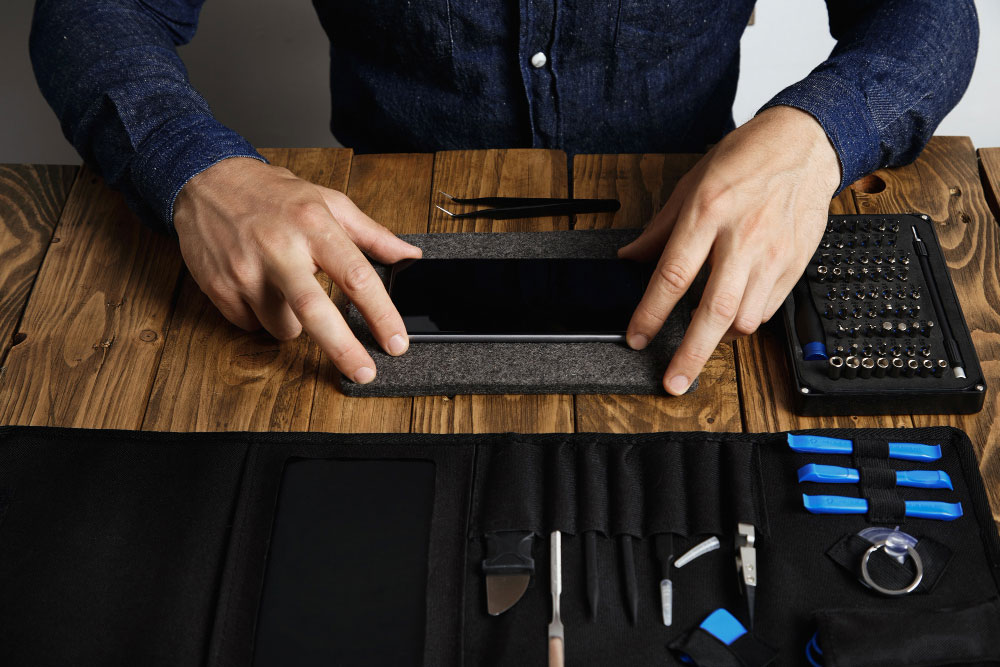
Expert repairing iPhone minor issues at professional mobile phone service center

Why Expert Repair Matters for Newer Devices

Modern smartphones integrate tightly coupled hardware and software systems. Improper repair can lead to:

Sensor calibration loss

Reduced performance

Battery safety risks

Long-term reliability issues

Precision repair preserves device longevity and functionality.

Frequently Asked Questions

1. How do you figure out what’s actually wrong with my iPhone before repairing it?
We start with a structured diagnostic process that checks hardware integrity, battery condition, thermal behavior, sensors, charging circuits, and software. This helps us identify the root cause instead of guessing based on symptoms. Once the issue is confirmed, we explain the findings and proceed with the appropriate repair.
Repairs are carried out in a way that preserves device storage wherever possible. Since some faults, especially power or logic board issues, can carry risk, we recommend backing up your data beforehand as a precaution. Our process is designed to minimize any impact on your information.
We handle a wide range of issues, including screen damage, battery problems, charging faults, camera issues, microphone or speaker problems, network and connectivity faults, overheating, water damage, and complex logic board repairs. If the problem isn’t obvious, our diagnostic process helps identify uncommon faults as well.

Yes. During diagnostics, we evaluate the device as a whole, since problems can sometimes be connected, for example, power issues affecting performance or connectivity. This approach helps ensure that underlying faults are identified and addressed rather than fixing only one symptom.

After completing the repair, the device goes through functional testing that includes checking sensors, connectivity, camera, audio, charging, and thermal behavior. This verification step helps confirm that the repair has restored stable operation before the device is returned.

What do I get from my iPhone Repair?

Call Us for Apple Door Step Support

We provide a door step service for your iPhone repair and service at dhoa, so no matter where you are, there is no excuse to not choose Apple Service and Repairs Center Way To Fix iphone repair service in qatar

100% Quality Parts

Our parts are of the highest quality and this allows us to offer you a limited warranty on the device for all parts, except the battery

No Minimum Services Charges

Diagnosis of your device is absolutely free of cost and there are no hidden charges whatsoever, for door step service contact us to get your device fixed.

Apple Premium service Centre

Apple Service and Repairs Center Way To Fix is the fastest and the best rated service provider for all Apple Service in Doha and Qatar. Select the device and the issue you wish to get repaired and watch how we bring your device back to life!

×