
The iPad 11th generation (2025) is built around the A16 chip, a Liquid Retina display, and a refined internal layout designed for improved efficiency and performance. While positioned as a base model, it still integrates tightly connected systems, including touch input, power management, and wireless connectivity.
Due to its slim aluminium body and large display, damage often affects multiple components simultaneously, especially the screen, charging system, and internal circuits. Our repair process focuses on identifying root causes and restoring stable, long-term functionality.

Before any repair, we perform a structured diagnostic process:
This ensures accurate fault identification and prevents incomplete repairs.
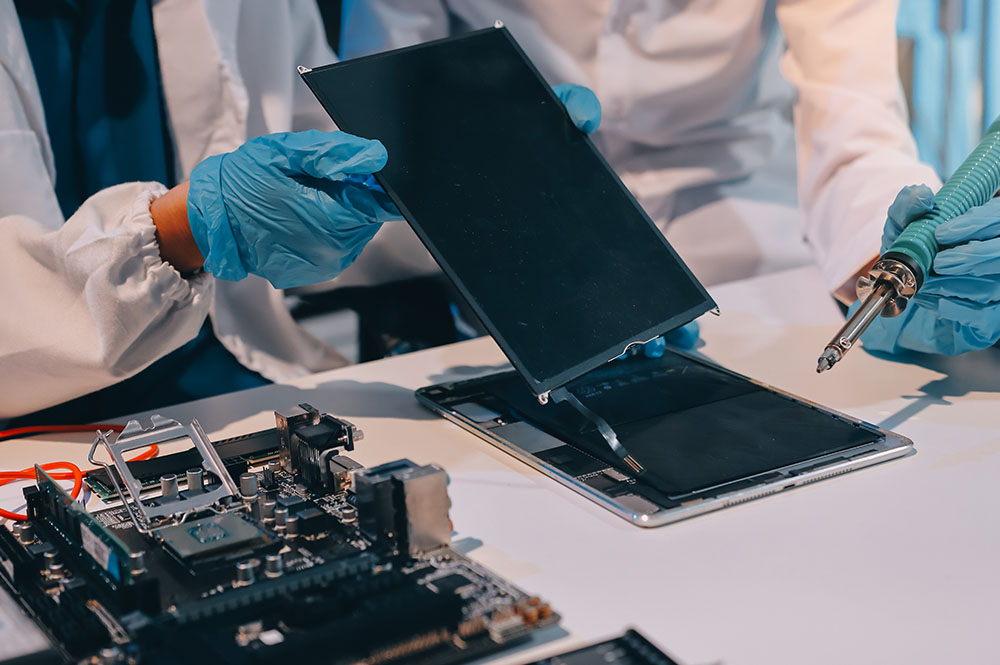
The Liquid Retina display integrates touch layers with a laminated structure, making display damage more complex than simple glass replacement.
Supports Apple Pencil (USB-C) and first-generation Apple Pencil with adapter.
The device uses a lithium-polymer battery designed for all-day usage.
The USB-C port supports charging, data transfer, and display output.
The iPad includes landscape stereo speakers for balanced audio.
Dual microphones handle calls and recordings.
The device features a rear camera and a front camera with Center Stage.
Supports Wi-Fi 6, Bluetooth 5.3, and 5G connectivity (cellular models).
The aluminium body can bend under pressure, affecting internal alignment and display fit.
Liquid exposure can damage internal circuits and connectors.
Board-level faults require advanced diagnostics and repair techniques.
Overheating may result from heavy usage, battery faults, charging issues, or internal hardware inefficiencies. Thermal evaluation helps identify the underlying cause and supports accurate repair.
Device storage remains protected wherever possible during repair. As a precaution, backup is recommended prior to service.
Every device undergoes:
Full functional testing
Sensor verification
Connectivity checks
Camera and audio testing
Thermal monitoring
This helps ensure reliable operation before return.
Sensor calibration loss
Reduced performance
Battery safety risks
Long-term reliability issues
Precision repair helps preserve device longevity and stable functionality.
We begin with a structured diagnostic process that checks hardware condition, battery performance, thermal behavior, sensors, charging function, and software stability. This helps identify the root cause instead of relying only on visible symptoms. Once the issue is confirmed, the appropriate repair solution can be carried out.
Repairs are handled in a way that protects device storage wherever possible. Since certain problems, especially power-related or logic board faults, may involve some risk, backing up your data beforehand is always recommended. The repair process is approached carefully to reduce any impact on stored information.
A wide range of iPad issues can be addressed, including screen damage, battery problems, charging faults, camera issues, speaker or microphone failure, network and connectivity problems, overheating, water damage, and logic board faults. If the issue is unclear, diagnostic testing helps identify less obvious hardware or internal defects.
After repair, the device goes through functional testing to verify key features such as sensors, connectivity, camera, audio, charging, and thermal behavior. This final evaluation helps confirm that the repair has restored proper operation and that the iPad is ready for reliable everyday use.
We provide a door step service for your iPad repair and service at dhoa, so no matter where you are, there is no excuse to not choose Apple Service and Repairs Center Way To Fix iPad repair service in qatar
Our parts are of the highest quality and this allows us to offer you a limited warranty on the device for all parts, except the battery
Diagnosis of your device is absolutely free of cost and there are no hidden charges whatsoever, for door step service contact us to get your device fixed.
Apple Service and Repairs Center Way To Fix is the fastest and the best rated service provider for all Apple Service in Doha and Qatar. Select the device and the issue you wish to get repaired and watch how we bring your device back to life!
