
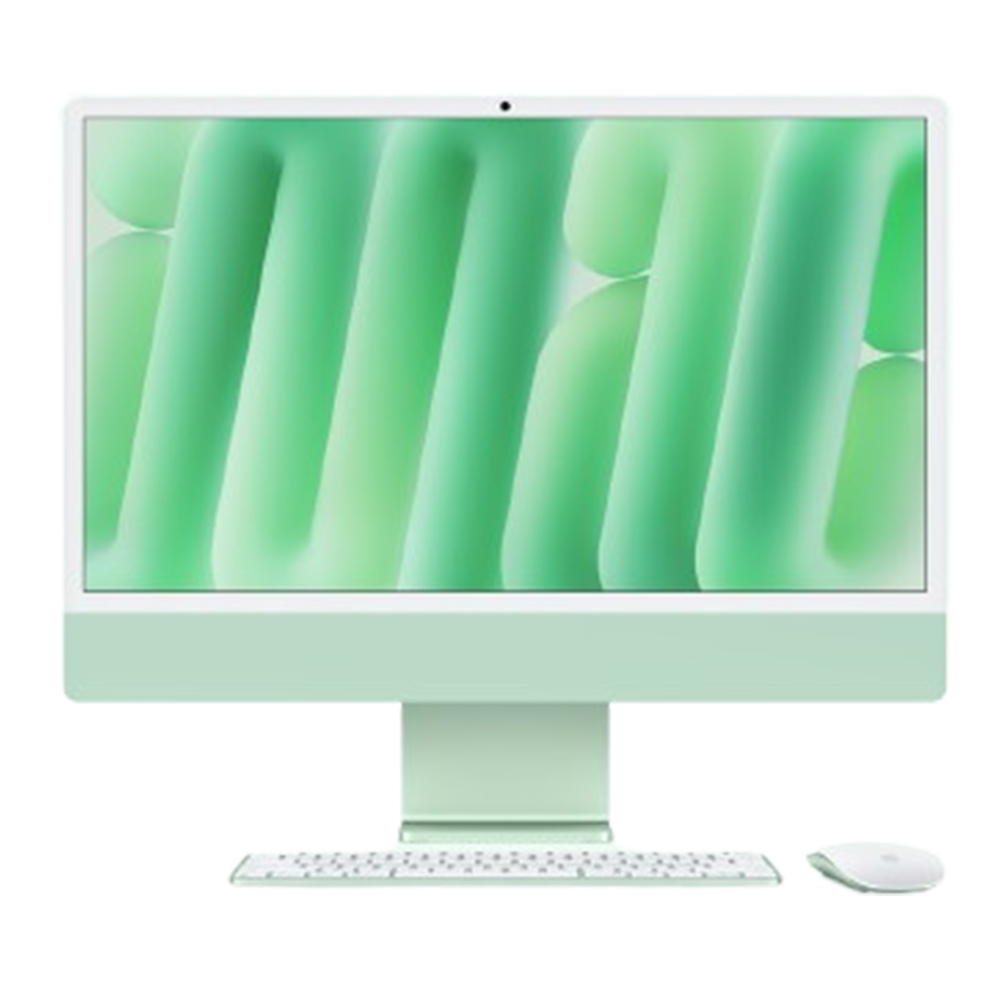
The iMac 24-inch (2023, M3 – 4 ports) is powered by the Apple M3 chip with an 8-core CPU and advanced GPU architecture, paired with a 24-inch 4.5K Retina display featuring True Tone, wide color (P3), and high-resolution visual processing. It integrates high-speed unified memory, SSD storage, advanced thermal management, a 1080p FaceTime HD camera, studio-quality microphones, six-speaker audio system, Wi-Fi 6E, Bluetooth 5.3, and multiple Thunderbolt/USB 4 ports within an ultra-thin all-in-one enclosure.
Its tightly integrated internal architecture requires specialized diagnostic equipment, precision handling, and component-level repair expertise for safe and accurate restoration. Whether the issue involves display instability, startup failure, overheating, audio malfunction, connectivity problems, or logic board faults, every repair follows a structured diagnostic and verification process to ensure long-term stability and performance.
Before any repair begins, a detailed multi-point diagnostic evaluation is performed to accurately identify the source of the issue. The integrated architecture of the M3 iMac makes precise diagnostics essential for effective repair.
The 24-inch 4.5K Retina display delivers sharp visuals, wide P3 color gamut, and advanced image processing. Display-related faults may affect brightness, image clarity, color consistency, or screen responsiveness.
Complex faults such as no power, boot failure, random shutdowns, or hardware instability may originate from the logic board or integrated circuitry. Advanced board-level diagnostics help isolate the exact source of failure.
Power-related faults can prevent the iMac from turning on or operating consistently. Structured diagnostics identify whether the issue stems from the internal power supply, logic board, or related circuitry.
The M3 iMac relies on an integrated cooling system to maintain stable thermal performance. Dust buildup, fan faults, or thermal transfer issues may lead to overheating or reduced performance.
The six-speaker sound system supports spatial audio and high-fidelity playback. Audio issues may affect media playback, calls, or system alerts.
The built-in 1080p FaceTime HD camera and studio-quality microphones support video conferencing and content creation. Faults may affect image quality or voice capture.
Wireless communication systems are integrated directly into the logic board architecture. Connectivity issues can affect internet access, accessories, or wireless performance.
The 4-port configuration includes advanced Thunderbolt/USB 4 connectivity for displays, storage devices, and accessories. Port damage can affect charging, data transfer, or peripheral detection.
Integrated SSD storage and unified memory architecture require accurate diagnostics when performance or startup issues occur.
Although the iMac is designed for stable desktop operation, accidental liquid exposure can damage internal circuitry and connectors. Immediate professional attention improves the likelihood of recovery.
System instability may result from corrupted software, startup conflicts, or operating system issues. Comprehensive software diagnostics help restore stable functionality.
Dust accumulation inside the iMac may reduce cooling efficiency and impact long-term reliability. Preventive Service Includes • Internal dust removal • Cooling system cleaning • Airflow path inspection • Thermal performance testing • General hardware inspection
Device storage and user data are handled carefully during diagnostics and repair procedures wherever possible. Backup is recommended before service, especially for startup or logic board-related issues.
Every iMac undergoes detailed verification after repair, including:
Full hardware functionality testing
Display and brightness verification
Thermal and cooling analysis
Audio and webcam testing
Wi-Fi and Bluetooth connectivity checks
Port and peripheral testing
System stability monitoring
This ensures reliable operation before the device is returned.
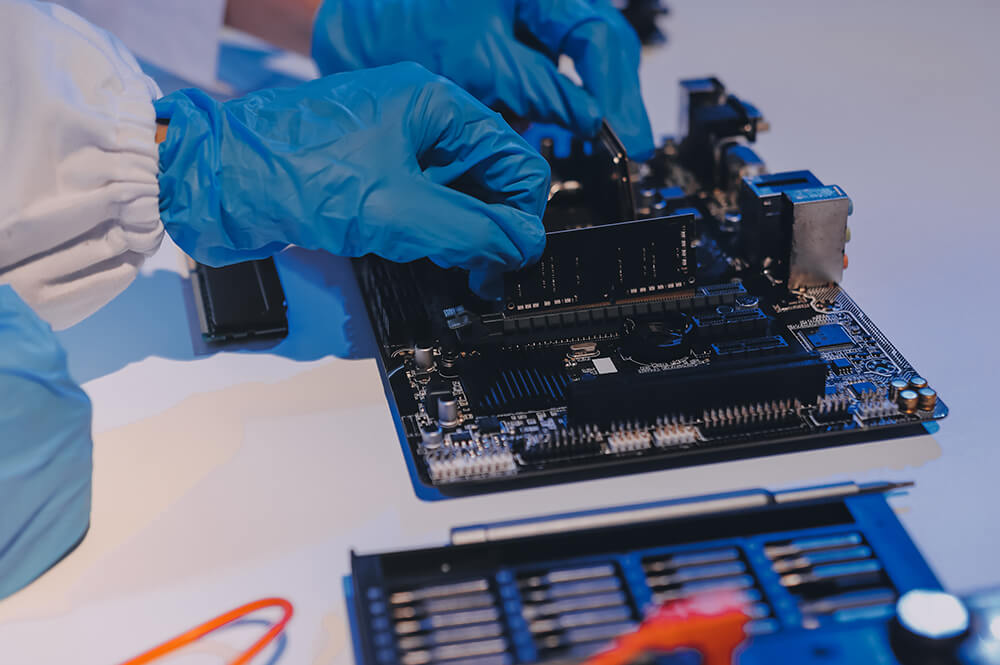
Modern iMac systems integrate processing, storage, display, cooling, and power management into a compact architecture. Improper servicing can lead to:
Display calibration inconsistencies
Cooling inefficiencies
Logic board instability
Reduced performance reliability
Long-term hardware complications
Precision diagnostics and controlled repair procedures help preserve system performance, stability, and longevity.
Startup failures can originate from different sources, including the power supply, logic board, storage, or thermal-related faults. Diagnostics help determine the underlying cause and whether repair is feasible.
Wherever possible, repairs are performed in a way that preserves storage and existing data. However, since certain hardware failures may carry risk, creating a backup beforehand is strongly recommended.
Yes. Thermal diagnostics are performed to evaluate fan operation, airflow efficiency, cooling performance, and internal heat management. Repairs may involve cleaning, thermal servicing, or component-level correction depending on the cause.
After repair completion, the system undergoes functional verification that includes display testing, thermal monitoring, audio checks, connectivity validation, startup reliability testing, and overall system stability analysis before return.
