
The iMac 24-inch (2024, M4 – 2 ports) features Apple’s M4 chip, an ultra-thin all-in-one design, a 24-inch 4.5K Retina display, integrated graphics, advanced thermal architecture, studio-quality microphones, and immersive audio systems. It supports high-speed wireless connectivity, Thunderbolt / USB 4 ports, and tightly integrated macOS optimization for professional performance and everyday productivity.
Because the iMac combines display, logic board, cooling system, storage, speakers, camera, and power systems into a compact enclosure, repairs require specialized diagnostics, precision tools, and controlled service procedures. Our repair process focuses on identifying the exact root cause before replacing components, helping ensure long-term reliability and stable system performance.
Whether the issue involves startup failure, display abnormalities, overheating, audio malfunction, connectivity instability, or motherboard-level faults, all repairs follow structured testing and post-service verification procedures. Repair time varies depending on component complexity and parts availability.
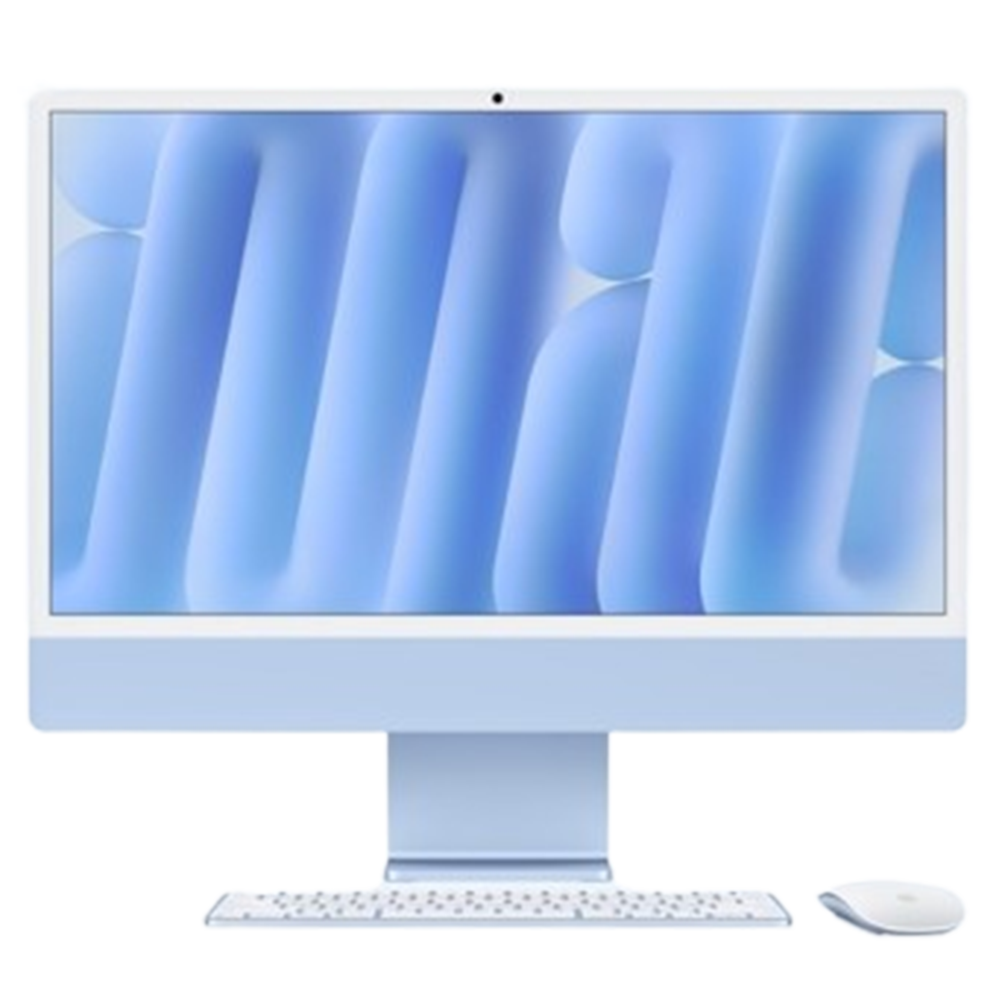
Before repair begins, the iMac undergoes a structured multi-point diagnostic evaluation to accurately isolate hardware or software faults. Due to the tightly integrated architecture of the M4 iMac, precise diagnostics are essential for effective repair.
The iMac 24-inch features a 4.5K Retina display with wide color support, high brightness, and sharp image clarity. Display faults may result from impact damage, panel defects, cable faults, or internal display circuit issues.
The logic board integrates the M4 processor, memory architecture, storage management, and power delivery systems. Board-level faults can cause startup issues, freezing, or complete system failure.
Power-related issues may prevent the iMac from turning on or operating reliably. Faults can originate from the power supply, internal circuitry, or board-level power management systems.
The iMac’s thermal architecture is designed to maintain stable performance under sustained workloads. Dust accumulation, fan malfunction, thermal compound degradation, or internal faults can lead to overheating.
The iMac includes a high-fidelity speaker system designed for immersive audio output. Speaker or audio subsystem faults may affect sound clarity and performance.
The iMac integrates studio-quality microphones and an advanced built-in camera system for video calls and recordings. Faults may result from hardware damage, software conflicts, or internal component failure.
Wireless communication systems are integrated into the iMac logic board. Connectivity issues may affect internet access, accessories, or file transfers.
The iMac 24-inch (2024, M4 – 2 ports) includes Thunderbolt / USB 4 connectivity for displays, storage, and accessories. Damaged or faulty ports may interrupt charging, data transfer, or external display support.
Software corruption, startup conflicts, or operating system instability can affect performance and reliability.
The integrated storage system is closely linked with the M4 architecture and macOS environment. Storage-related issues may lead to boot failure or data access problems.
Liquid exposure can damage internal circuits, connectors, and power systems. Immediate professional inspection improves the likelihood of successful recovery.
Dust accumulation inside the iMac may reduce cooling efficiency and impact long-term reliability. Preventive Service Includes • Internal dust removal • Cooling system cleaning • Airflow path inspection • Thermal performance testing • General hardware inspection
Device storage and user data are handled carefully during diagnostics and repair procedures wherever possible. Backup is recommended before service, especially for startup or logic board-related issues.
Every iMac undergoes detailed verification after repair, including:
Full hardware functionality testing
Display and brightness verification
Thermal and cooling analysis
Audio and webcam testing
Wi-Fi and Bluetooth connectivity checks
Port and peripheral testing
System stability monitoring
This ensures reliable operation before the device is returned.
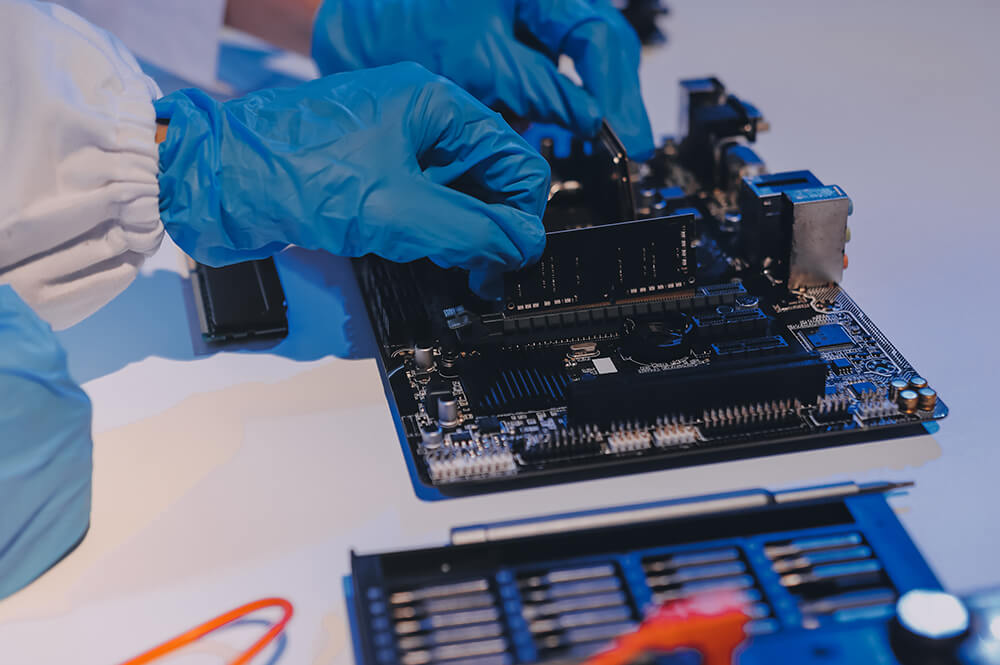
Modern iMac systems integrate processing, storage, display, cooling, and power management into a compact architecture. Improper servicing can lead to:
Display calibration inconsistencies
Cooling inefficiencies
Logic board instability
Reduced performance reliability
Long-term hardware complications
Precision diagnostics and controlled repair procedures help preserve system performance, stability, and longevity.
Startup failures can originate from different sources, including the power supply, logic board, storage, or thermal-related faults. Diagnostics help determine the underlying cause and whether repair is feasible.
Wherever possible, repairs are performed in a way that preserves storage and existing data. However, since certain hardware failures may carry risk, creating a backup beforehand is strongly recommended.
Yes. Thermal diagnostics are performed to evaluate fan operation, airflow efficiency, cooling performance, and internal heat management. Repairs may involve cleaning, thermal servicing, or component-level correction depending on the cause.
After repair completion, the system undergoes functional verification that includes display testing, thermal monitoring, audio checks, connectivity validation, startup reliability testing, and overall system stability analysis before return.
