
iMac 24-inch (2024, M4 – 4 ports) Service Center in Doha: Advanced Diagnostics & Precision Repair

The iMac 24-inch (2024, M4 – 4 ports) is powered by the Apple M4 chip with a 10-core CPU and up to 10-core GPU, featuring a 24-inch 4.5K Retina display with True Tone, P3 wide color, and high brightness output. It integrates advanced unified memory architecture, SSD storage, a six-speaker sound system with Spatial Audio support, studio-quality microphones, Wi-Fi 6E, Bluetooth 5.3, Thunderbolt / USB 4 connectivity, and a highly integrated logic board design.

Its compact all-in-one construction combines display, cooling system, storage, power delivery, and processing components into a tightly engineered enclosure that requires professional tools, structured diagnostics, and precision repair methods for safe servicing and reliable restoration.

Our repair process focuses on identifying the root cause before replacing components. Whether the issue involves display faults, startup failures, overheating, audio malfunction, connectivity problems, power instability, or logic board defects, repairs follow systematic procedures with post-service verification to ensure stable and reliable operation.
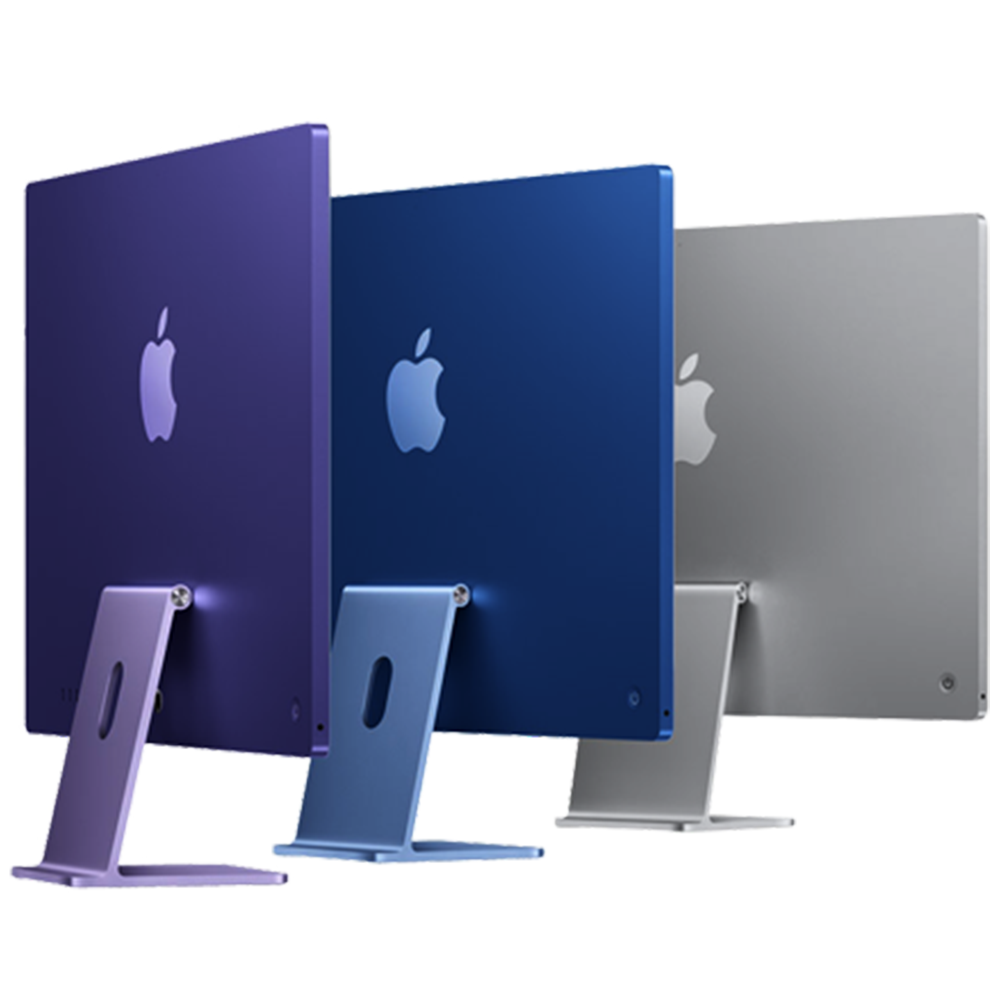
Comprehensive Diagnostic Process – iMac 24-inch (2024, M4 – 4 ports)

Before any repair begins, a structured multi-point diagnostic assessment is performed to isolate faults accurately. The iMac’s integrated architecture requires precise testing to identify hardware and software-related issues effectively.

Diagnostic Assessment Includes

  • 5K Retina display brightness, color accuracy, and True Tone testing
  • Logic board voltage and power delivery analysis
  • SSD storage and unified memory diagnostics
  • Cooling system and thermal performance evaluation
  • Wi-Fi 6E, Bluetooth 5.3, Ethernet, and Thunderbolt connectivity testing
  • macOS integrity and system performance diagnostics
  • Speaker, microphone, and webcam functionality checks
  • Peripheral communication and port verification

Display & Screen Repair – 4.5K Retina Precision Restoration

The iMac features a 24-inch 4.5K Retina display with P3 wide color gamut and True Tone technology. Screen damage or display faults can affect image clarity, brightness consistency, and overall usability.

Common Display Issues Resolved
  • Cracked or damaged display panel
  • Flickering or intermittent display
  • Dead pixels or image retention
  • Backlight inconsistencies
  • Horizontal or vertical display lines
  • No display or black screen
  • Color distortion or brightness fluctuation
Repair Process Includes
  • Precision display disassembly
  • Display cable and connector inspection
  • Replacement of damaged display components
  • Brightness and color calibration
  • Display synchronization testing
  • Post-repair visual verification

Logic Board & Chip-Level Repair

Complex issues such as no power, repeated shutdowns, boot failures, or unstable performance may originate from motherboard-level faults. Chip-level diagnostics help restore functionality without unnecessary full-unit replacement.

Services Include
  • Logic board diagnostics
  • Micro-soldering and board-level repair
  • Power rail reconstruction
  • Damaged component replacement
  • Signal path and communication testing
  • Startup circuit analysis

Power Supply & Startup Failure Repair

Power-related faults can prevent the iMac from turning on or operating reliably. These issues may involve the internal power supply, logic board, or power management circuitry.

Common Symptoms
  • iMac not powering on
  • Random shutdowns or restarts
  • Power cycling
  • No startup chime or display activity
  • Intermittent power loss
  • Device freezing during boot
Service Includes
  • Internal power supply diagnostics
  • Voltage stability testing
  • Startup sequence verification
  • Power circuit inspection
  • Thermal and load testing

Cooling System & Overheating Repair

The M4 iMac relies on an advanced thermal management system to maintain stable performance. Cooling inefficiencies can lead to overheating, loud fan operation, or reduced system responsiveness.

Common Thermal Issues
  • Excessive fan noise
  • Overheating during workload
  • Sudden slowdowns or throttling
  • Unexpected shutdowns due to temperature
  • Reduced airflow efficiency
Repair Process Includes
  • Internal dust and airflow inspection
  • Cooling fan diagnostics
  • Thermal sensor testing
  • Heat dissipation evaluation
  • Thermal compound replacement if required
  • Post-repair thermal monitoring

SSD Storage & Performance Repair

The integrated SSD storage architecture is essential for macOS performance and system responsiveness. Storage faults may affect startup reliability, application loading, or file accessibility.

Common Storage Issues
  • Slow performance
  • Failure to boot macOS
  • Storage not detected
  • File access errors
  • System freezing or crashing
Repair Includes
  • SSD health diagnostics
  • macOS recovery evaluation
  • Storage controller testing
  • Data access verification
  • Logic board communication inspection

Speaker & Audio System Repair

The six-speaker sound system supports high-fidelity playback and Spatial Audio. Audio-related issues may impact calls, media playback, or system alerts.

Common Audio Issues
  • Distorted or crackling sound
  • No audio output
  • Imbalanced speaker performance
  • Low sound volume
  • Speaker vibration or rattling
Service Includes
  • Speaker diagnostics
  • Audio circuit testing
  • Internal speaker inspection
  • Component replacement if required
  • Audio output verification

Microphone & Webcam Repair

The iMac includes a high-quality camera system and studio-quality microphones designed for video conferencing and recording.

Common Problems Resolved
  • Camera not detected
  • Blurry or distorted webcam image
  • Microphone not capturing sound
  • Low or unclear voice recording
  • Video call audio failure
Repair Includes
  • Camera module diagnostics
  • Microphone array testing
  • Flex cable and connector inspection
  • Component replacement if necessary
  • Video and audio quality verification

Wi-Fi, Bluetooth & Connectivity Repair

The iMac supports Wi-Fi 6E and Bluetooth 5.3 for high-speed wireless communication. Connectivity faults may result from antenna, module, or board-level issues.

Common Connectivity Issues
  • Weak Wi-Fi signal
  • Bluetooth pairing failure
  • Intermittent wireless disconnections
  • Slow network performance
  • AirDrop malfunction
Repair Process
  • Wireless module diagnostics
  • Antenna and connector testing
  • Signal path evaluation
  • Logic board communication inspection
  • Connectivity stability testing

Thunderbolt / USB 4 Port Repair

The iMac 24-inch (2024, M4 – 4 ports) includes multiple Thunderbolt / USB 4 ports for high-speed peripherals, displays, and charging accessories.

Common Port Issues
  • Accessories not detected
  • Intermittent device connection
  • Port physical damage
  • Data transfer instability
  • External display connectivity failure
Service Includes
  • Port inspection and cleaning
  • Connector testing
  • Thunderbolt controller diagnostics
  • Signal and power verification
  • Port replacement if necessary

macOS & Software Diagnostics

Software instability may affect startup reliability, application behavior, or overall performance. Diagnostics help determine whether issues are software-based or hardware-related.

Common Symptoms
  • Slow system performance
  • Boot failure
  • Application crashes
  • macOS installation errors
  • System freezing
Service Includes
  • macOS diagnostics
  • Startup disk verification
  • Software integrity checks
  • Driver and firmware evaluation
  • Recovery environment testing

Liquid Damage Recovery – Internal Corrosion Mitigation

Liquid exposure can damage internal circuits, connectors, and power systems. Immediate professional attention improves the possibility of successful recovery.

Recovery Procedure
  • Internal component inspection
  • Controlled board cleaning
  • Corrosion removal
  • Power rail testing
  • Logic board evaluation
  • Full hardware functionality verification

Internal Cleaning & Preventive Maintenance

Dust accumulation inside the iMac may reduce cooling efficiency and impact long-term reliability. Preventive Service Includes • Internal dust removal • Cooling system cleaning • Airflow path inspection • Thermal performance testing • General hardware inspection

Data Safety Protocol

Device storage and user data are handled carefully during diagnostics and repair procedures wherever possible. Backup is recommended before service, especially for startup or logic board-related issues.

Post-Repair Quality Assurance

Every iMac undergoes detailed verification after repair, including:

Full hardware functionality testing

Display and brightness verification

Thermal and cooling analysis

Audio and webcam testing

Wi-Fi and Bluetooth connectivity checks

Port and peripheral testing

System stability monitoring

This ensures reliable operation before the device is returned.
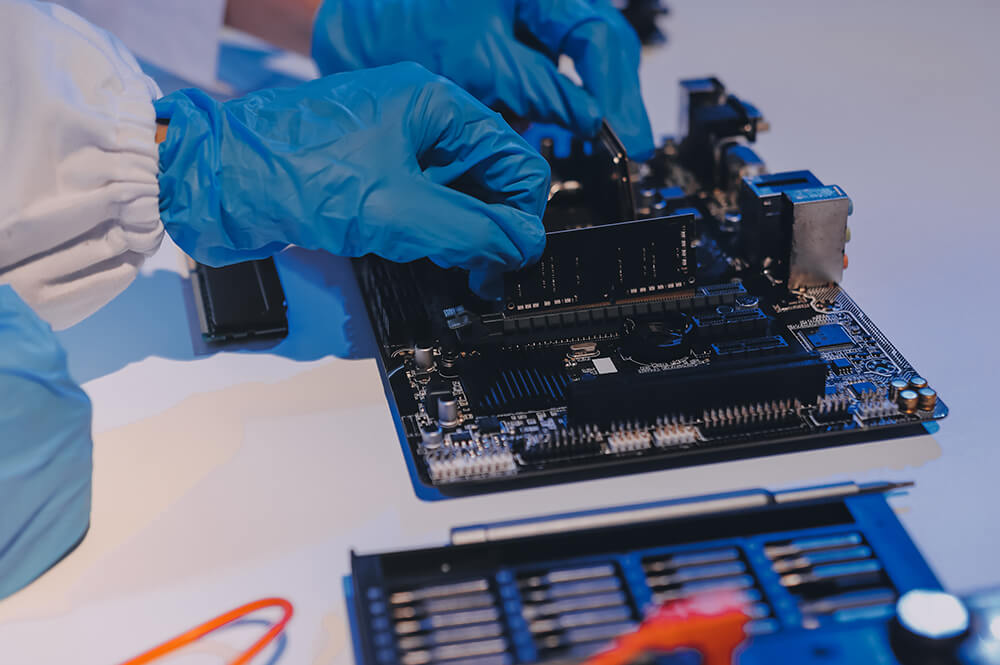
Why Professional Repair Matters for Advanced All-in-One Systems

Modern iMac systems integrate processing, storage, display, cooling, and power management into a compact architecture. Improper servicing can lead to:

Display calibration inconsistencies

Cooling inefficiencies

Logic board instability

Reduced performance reliability

Long-term hardware complications

Precision diagnostics and controlled repair procedures help preserve system performance, stability, and longevity.

Frequently Asked Questions

How do you identify the exact issue with the iMac before repair?
A structured diagnostic process is performed to evaluate the display, logic board, thermal system, storage, power delivery, connectivity, and software integrity. This helps isolate the actual cause of the issue instead of replacing components unnecessarily.

Startup failures can originate from different sources, including the power supply, logic board, storage, or thermal-related faults. Diagnostics help determine the underlying cause and whether repair is feasible.

Wherever possible, repairs are performed in a way that preserves storage and existing data. However, since certain hardware failures may carry risk, creating a backup beforehand is strongly recommended.

Yes. Thermal diagnostics are performed to evaluate fan operation, airflow efficiency, cooling performance, and internal heat management. Repairs may involve cleaning, thermal servicing, or component-level correction depending on the cause.

After repair completion, the system undergoes functional verification that includes display testing, thermal monitoring, audio checks, connectivity validation, startup reliability testing, and overall system stability analysis before return.

×